 odin
Start free trial
COMPARE
Windows Live Captions, plus translation and answers.
Windows Live Captions is a solid free caption bar. Odin is for when you need captions translated into your language, styled how you like, saved as a transcript, and an assistant you can ask about what you just heard.
Then $5.99/month · Payment method required · Cancel before day 7 to avoid a charge
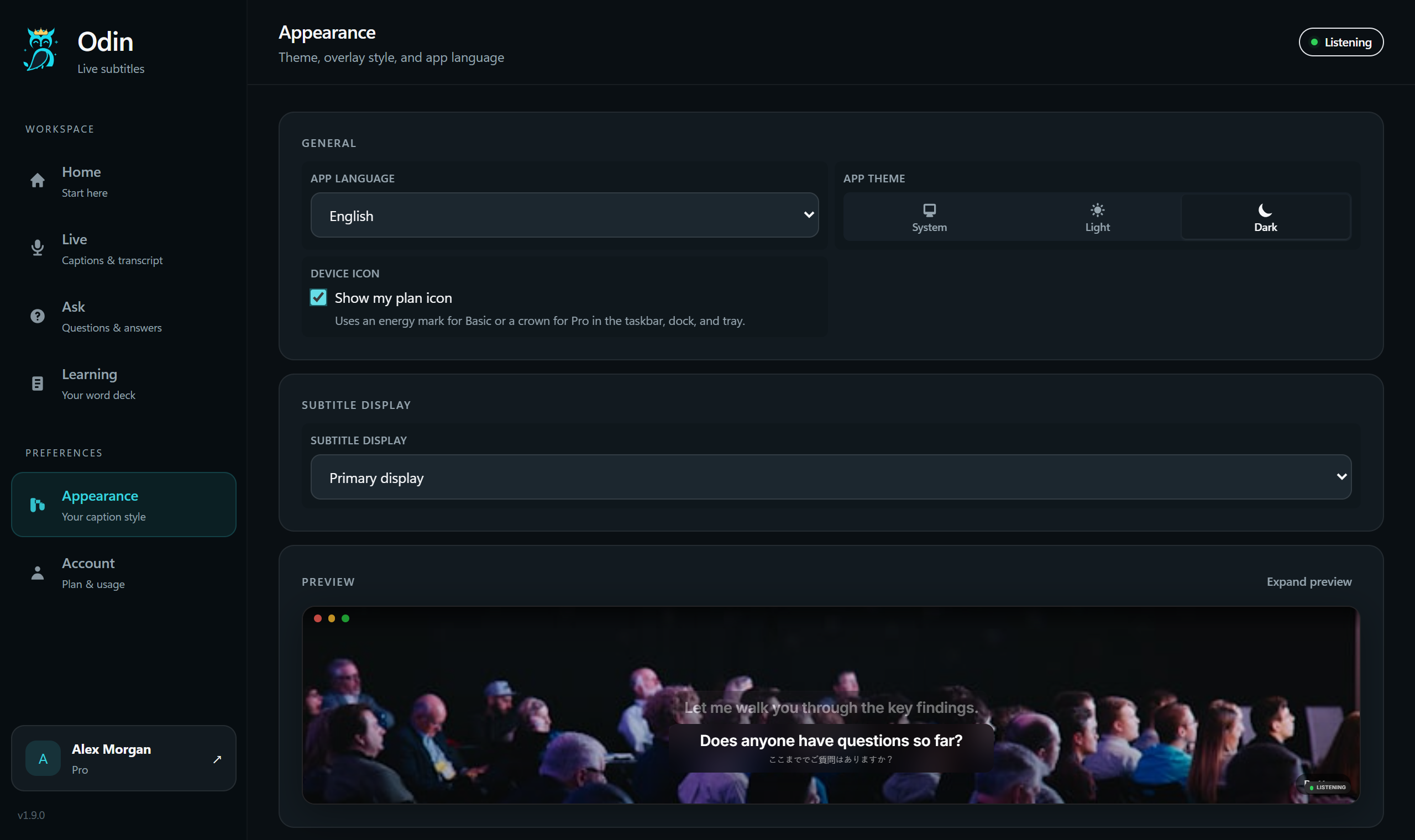
Side by side
| Windows Live Captions | Odin | |
|---|---|---|
| Captions from system audio | Yes | Yes |
| Translation into 60+ languages | Depends on Windows version and hardware | Yes, live, any Windows 10/11 PC |
| Source and translation stacked | No | Yes |
| Caption styling and position | Limited | Font, colour, size, position, lines |
| Export transcript (TXT, SRT, JSON) | No | Yes |
| Ask about what you heard or see | No | Yes, by voice or text |
| Price | Free | 7-day trial, then from $5.99/month |
Why it works
Keep the free tool if it's enough
If you only need English captions, Windows Live Captions may be all you need.
Pick Odin for translation
Hear Spanish, read English. Or the other way round, across 60+ languages.
Pick Odin to keep things
Transcripts, summaries, next steps, and a word deck you can review.
Set up in three steps
- Start your trialSign in with Google and pick Basic. Seven days free.
- Install OdinDownload the Windows app and sign in. No API keys.
- Press Ctrl+Shift+SChoose your language. Captions appear over whatever is playing.
QUESTIONS
Good to know.
Does Odin replace Windows Live Captions?
You can use either. Odin draws its own overlay, so turn Live Captions off while Odin is running to avoid two caption bars.
Does Odin work on Windows 10?
Yes, Odin runs on Windows 10 and 11.
Is Odin free?
Odin starts with a 7-day trial on Basic. A payment method is required and you can cancel before day 7 to avoid a charge.
Is processing on-device?
Live captions and translation are processed by our cloud speech provider; wake-word detection runs on your PC.
TRY IT ON YOUR OWN SETUP
Seven days to see if it fits.
Start my 7-day trialThen $5.99/month. Cancel before day 7 to avoid a charge. Compare plans