 odin
Start free trial
FOR GAMERS
Understand every callout, in any language.
Odin listens to the audio your PC is already playing, from Valorant comms to Discord calls, and puts live captions and translation on a click-through overlay. Your hands stay on the controls.
Then $5.99/month · Payment method required · Cancel before day 7 to avoid a charge
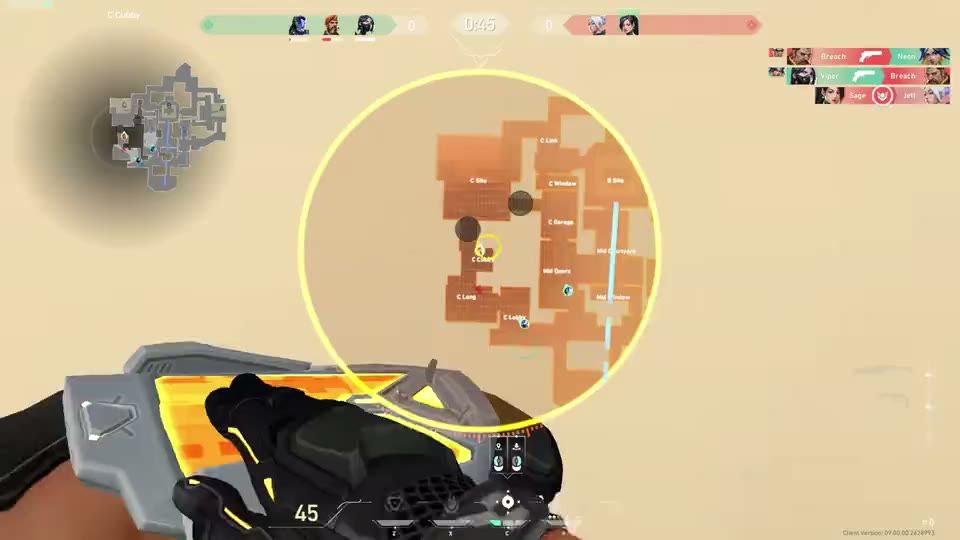
Why it works
Works across games
Odin captures Windows system audio, so it works with the game, Discord, or any voice app without a plugin or mod.
Click-through overlay
Captions sit above the game. Clicks pass straight through, so the overlay never steals focus mid-round.
Source and translation together
See the original line and your language stacked, so you learn the callouts as you go.
Hotkeys, not menus
Ctrl+Shift+S starts or stops captions. Ctrl+Shift+O hides the overlay when you don't need it.
Set up in three steps
- Start your trialSign in with Google and pick Basic. Seven days free.
- Install OdinDownload the Windows app and sign in. No API keys.
- Press Ctrl+Shift+SChoose your language. Captions appear over whatever is playing.
QUESTIONS
Good to know.
Will Odin get me banned?
Odin does not inject into, read memory from, or modify any game. It listens to Windows audio output like a recording app and draws its own transparent window. Check your game's rules if you are unsure about overlays in competitive play.
Does it work with Discord?
Yes. Discord plays through your PC's audio output, which is what Odin captions and translates.
How fast are the captions?
Odin streams audio to a real-time speech model and shows partial lines as people speak, then settles them when the sentence ends.
Which languages?
60+ languages for live captions and translation, with automatic detection of the spoken language.
TRY IT ON YOUR OWN SETUP
Seven days to see if it fits.
Start my 7-day trialThen $5.99/month. Cancel before day 7 to avoid a charge. Compare plans