Live subtitles
Real-time speech-to-text from system audio — meetings, streams, and lectures transcribed as they play.
Odin
Windows · live speech overlay
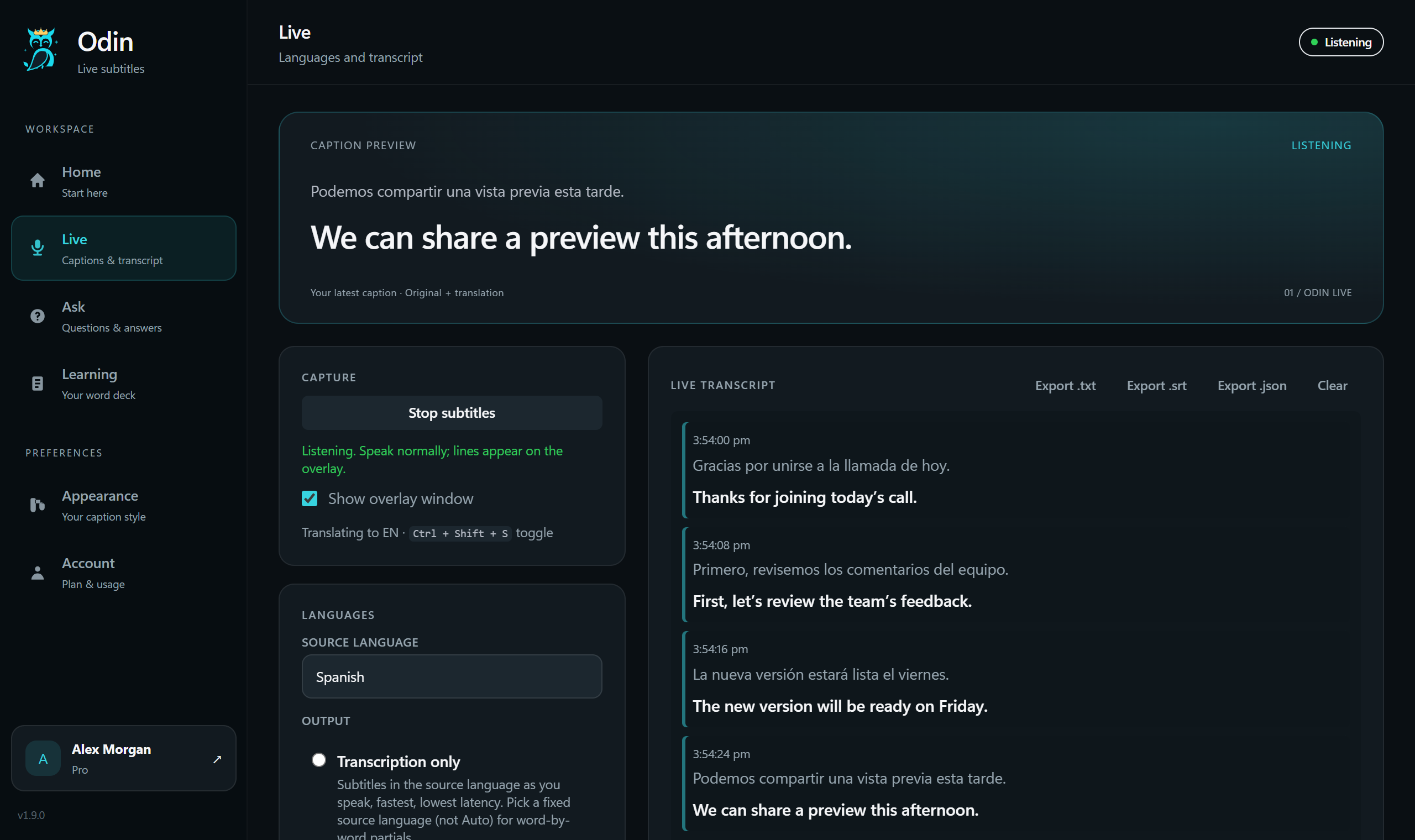
Live subtitles and translation on a click-through overlay — for meetings, games, music, and anything playing on your machine.
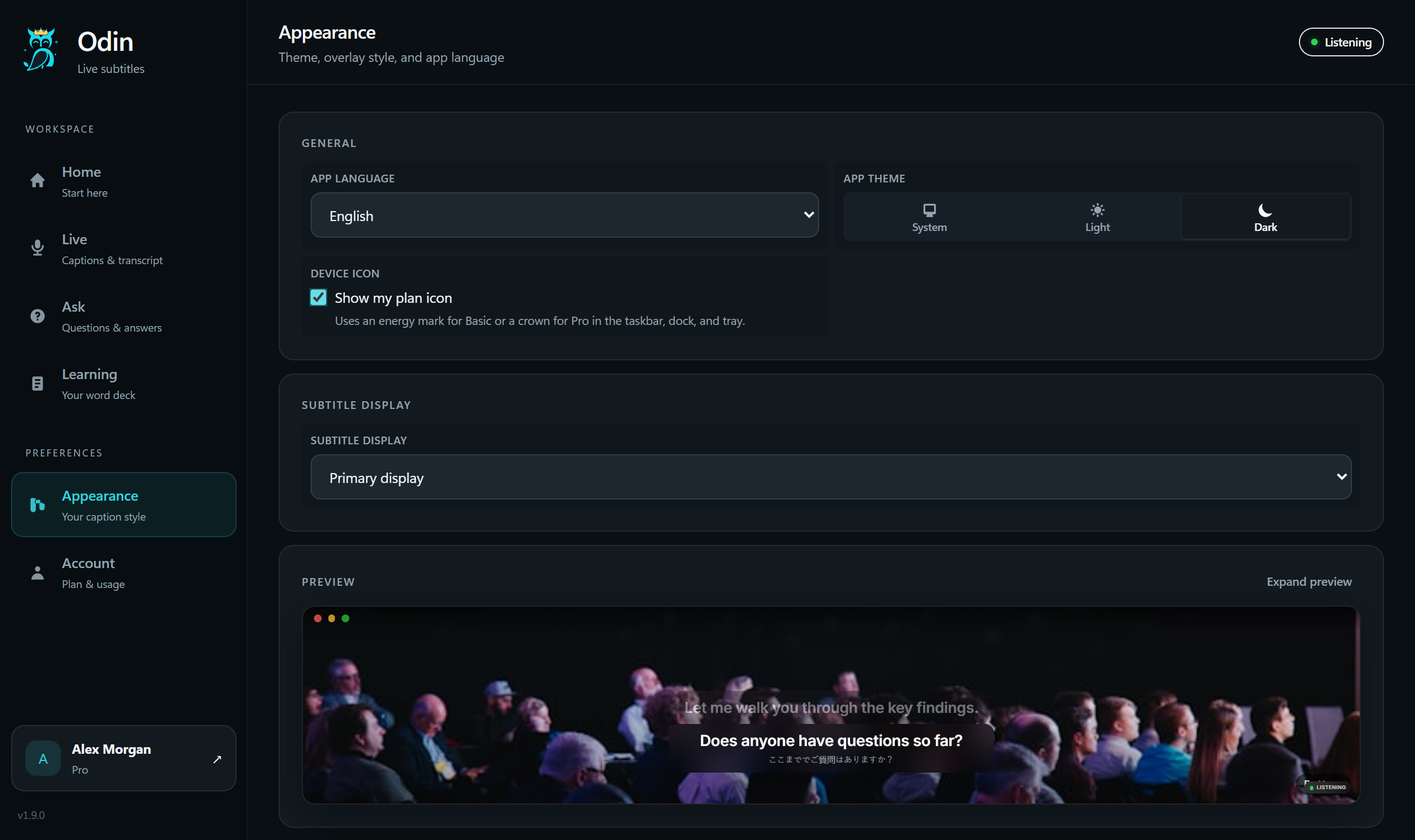
Get startedStock clips with a glass subtitle overlay — same layout as the Odin desktop app.
Type your own line or pick a preset, choose a language, then tap the mic or Translate — preview subtitles land on the glass.
Tap the mic to start…
Sample translations for demo — not the live Odin API.
Tap mic or Translate — captions stream in, then share. Hold mic while speaking — release to translate.
Live subtitles, translation, and voice commands — captured from your machine and drawn on a click-through overlay.
Real-time speech-to-text from system audio — meetings, streams, and lectures transcribed as they play.
Source and target stacked on glass. Auto-detect when you need it.
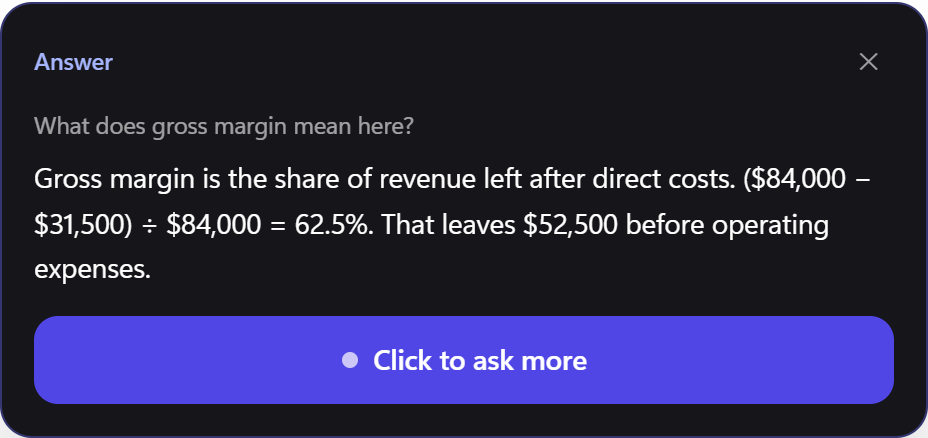
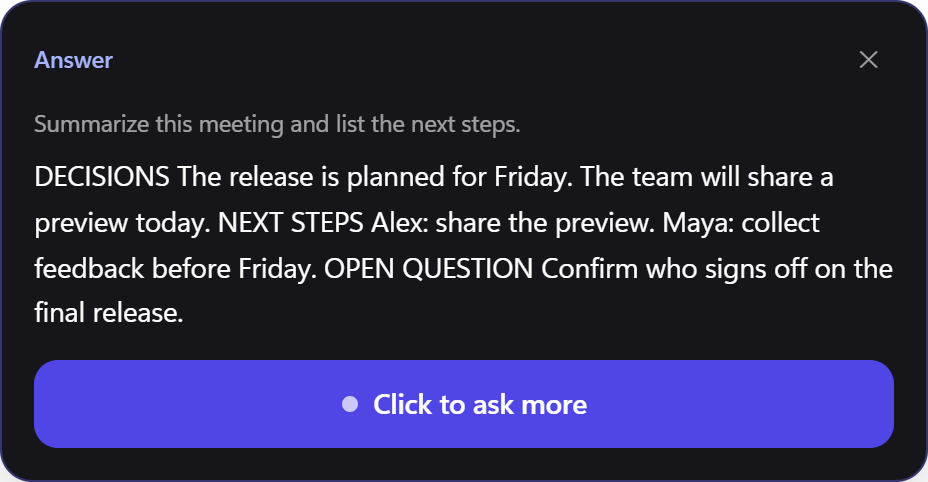
Push-to-talk questions from recent transcript context.
Subtitles float above your apps — you keep clicking through.
Say odin when your hands stay on the keyboard.
Live speech-to-text and translation on the glass — auto-detect when you don't know the source language.
25 curated quick picks in app settings — or choose auto-detect for full coverage.
All supported languages
No languages match your search.
Download the Windows installer — sign in and go. No API keys required.
$0 preview
— / month
— / month
Our API cost (not your price): ~$70/mo at medium beta use — cost analysis. End users run the installer; operators deploy Edge Functions once per release.
Join us on Discord for beta feedback, setup help, and bug reports — Odin is in active preview and we read every message.
Community support for the preview build — questions, feature ideas, and troubleshooting with the team and other early users.
Join DiscordEmail for Pro or Team when pricing is set.